Class 1: ComfyUI vs. Griptape Nodes
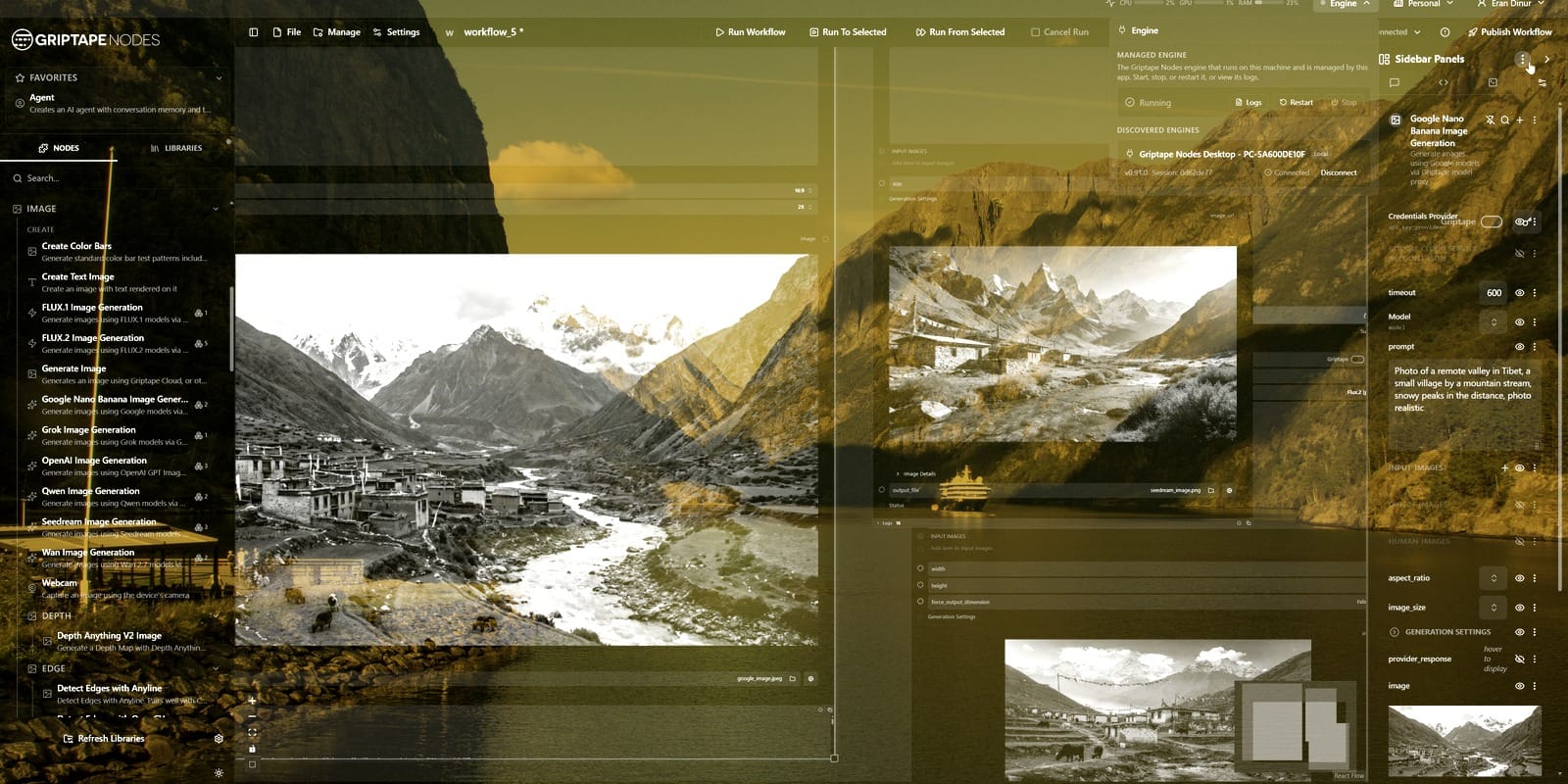
We introduce the Griptape framework and compare Griptape Nodes with ComfyUI, examining the strengths, differences and underlying concepts of each platform. This class provides the foundation for understanding how Griptape approaches AI workflow orchestration.
Class 2: Exploring the GTN Interface
We tour the Griptape Nodes interface, including the engine, node library, manager and essential settings. By the end of the class, you’ll be comfortable navigating the environment and building your first workflows.
Class 3: Building an AI Image Editing Workflow
We create an image-editing workflow that combines traditional image processing with AI-powered tools. This class introduces the node-based workflow and demonstrates how conventional techniques can be enhanced with AI.
Class 4: Building Script Analysis Agents
We explore AI agents, the core of Griptape workflows, by creating a script analysis system that automatically breaks down a screenplay into individual shots and categorises them by location and time of day.
Class 5: Image Generation with Closed-Source Models
We compare leading commercial image generation models including SeeDream, Flux and Nano Banana. We also learn how to combine multiple models with AI agents to generate, refine and optimise prompts.
Class 6: Local Stable Diffusion Workflows
We install and configure open-source diffusion models locally using the Advanced Media Library pipeline. We then build image generation workflows and install an SD1.5 LoRA to produce customised stylised outputs.
Class 7: Automated Shot Thumbnail Generation
We expand our script analysis workflow by automatically generating visual thumbnails for every shot in a screenplay. Along the way, we explore GTN’s flow control and looping tools to build a fully automated pipeline.
Class 8: Intelligent Sky Replacement
We build a smart sky-replacement workflow that analyses lighting conditions in an image to generate matching replacement skies. We also incorporate AI segmentation to produce an automated slap-comp.
Class 9: AI Video Generation in Griptape Nodes
We explore Griptape’s video generation capabilities using a range of high-quality models. Topics include video generation, depth estimation, HDR conversion and the unique features available across different models.
Class 10: Integrating GTN with Nuke
We integrate Griptape Nodes into Nuke using Foundry’s Nuke Nodes Library. We publish GTN workflows as reusable Nuke Gizmos, enabling AI-powered tools to integrate into traditional compositing pipelines.
Class 11: Maya Integration with MCP
We conclude the course by connecting Griptape Nodes to Maya through a user-developed MCP integration. Using AI agents, we analyse a technical drawing and automatically generate a complete 3D model inside Maya, demonstrating the potential of AI-assisted DCC workflows.