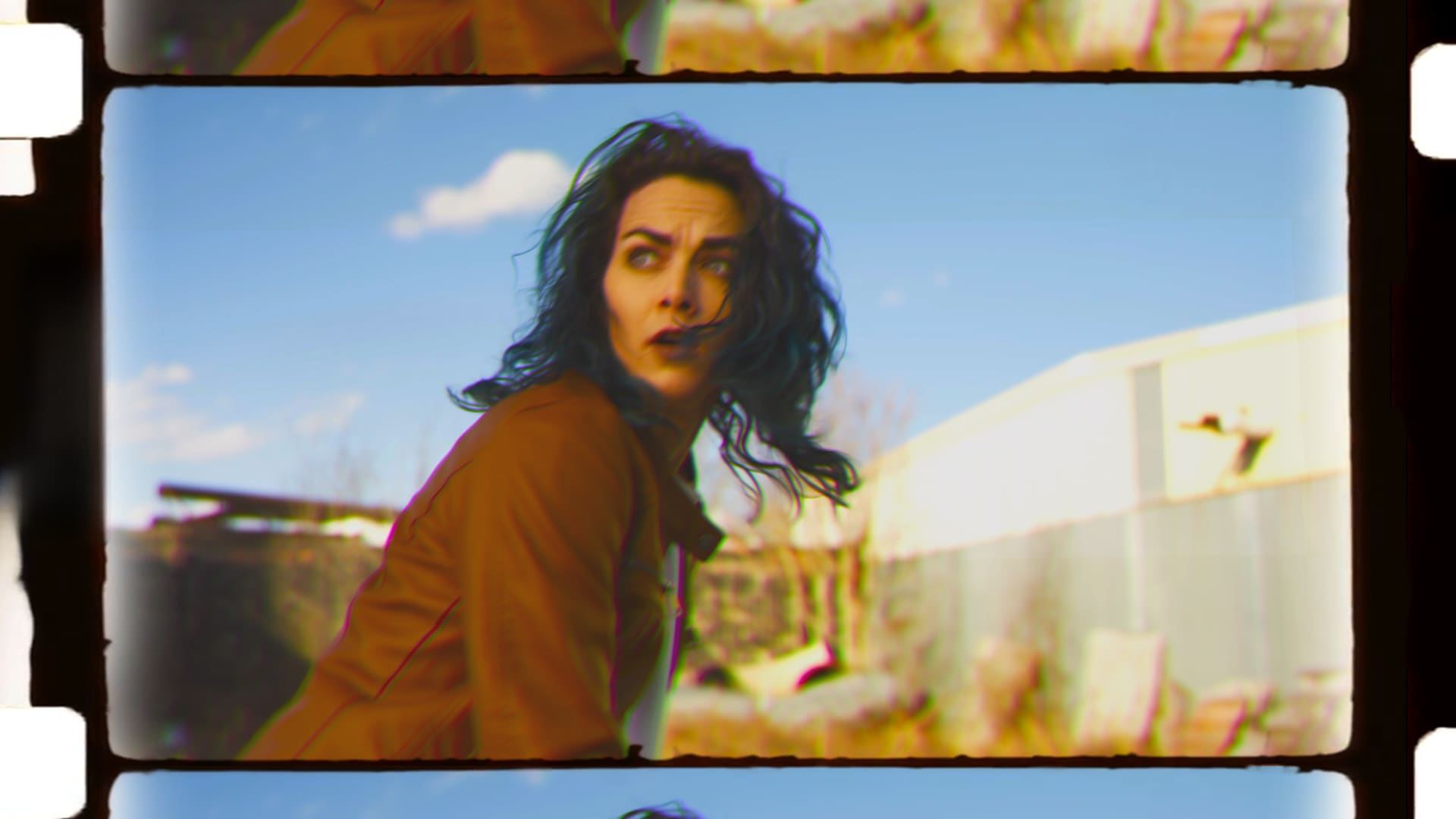
Crafting Technicolor - Modern Tools for Looks in Nuke
Taught by Doug Hogan
- Duration:
- 4 hours 45 minutes
- Software Version:
- 15
- Launch Date:
- February 2025
- Course Number:
- NUK250
vfx
vfx
The interesting angle for this course is that you'll be learning cool tips, techniques, and improving your knowledge about color from a color-blind compositor. This course is taught by Doug Hogan, a Nuke Compositor with over 18 years of experience who also happens to be color-blind. This course will elevate your compositing, tool-making, and color grading skills, equipping you with the techniques and knowledge to create stunning, timeless visual effects as seen in classic Hollywood films. Designed for intermediate Nuke users, this course also covers essential color topics like LUTs, luminance-based channel matching, and the balance between technical accuracy and production-required artistic freedom.
Doug Hogan is a Creative Technologist, VFX Supervisor, and Nuke Compositor with over 18 years of experience in feature films, theme parks, and advertising. He spent the majority of his career at Reel FX, where he supervised the Compositing and Matte Painting departments on projects like "Rumble" and "Scoob!". He now works as a Creative Technologist at Groove Jones. Doug is also active in the Nuke community with VFXTalk, and sharing tools on platforms like Nukepedia and GitHub.
Class Listing
Class 1: Technicolor background
We explore the history of Technicolor and the science behind its dye-transfer process. We'll dive into the evolution of 2-strip and 3-strip Technicolor systems and understand the beam-splitting prism used in Technicolor cameras. This foundational session sets the stage for recreating these iconic looks digitally in Nuke.
Class 2: The math of 2-strip Techicolor
A focus on the math behind the 2-strip Technicolor process. You'll learn how to isolate and recombine red and green channels to simulate a blue channel, mimicking the warm look of this early film process. By the end of the session, you'll have a solid grasp of channel manipulation principles.
Class 3: 3-strip Techicolor
We delve into the 3-strip Technicolor process in this class, using footage like The African Queen. You'll work with channel math to separate and recombine red, green, and blue channels, simulating the full-color workflow that made Technicolor famous.
Class 4: Custom Tool, Part 1
We begin the hands-on creation of a custom Technicolor emulation tool in Nuke. We'll build a tool that allows real-time adjustments for channel isolation, contrast, and saturation, providing flexibility in recreating these vintage film looks.
Class 5: Custom Tool, Part 2
Continuing from the previous session, this class refines the custom Technicolor tool. You'll add features to enhance usability and accuracy, completing a powerful gizmo that simplifies your workflow while offering professional-grade results.
Class 6: Artifacts
We expand on Technicolor-inspired artifacts by adding chromatic aberration, halation, film breath, and gate weave effects. These additions will give your projects an authentic, film-like quality that enhances the nostalgic feel.
Class 7: Dabbling in AI
This class explores AI-based color experimentation. You'll use tools like DeOldify and Nuke’s CopyCat node to colorize black-and-white footage. We'll compare the results of machine learning algorithms with traditional methods, determining the strengths and weaknesses of each approach.