Look Development Workflow for Texture and Shader Artists
Taught by Charles Chorein
- Duration:
- 1 hours 45 minutes
- Software Version:
-
- Launch Date:
- December 2023
- Course Number:
- MYA231
3D
3D
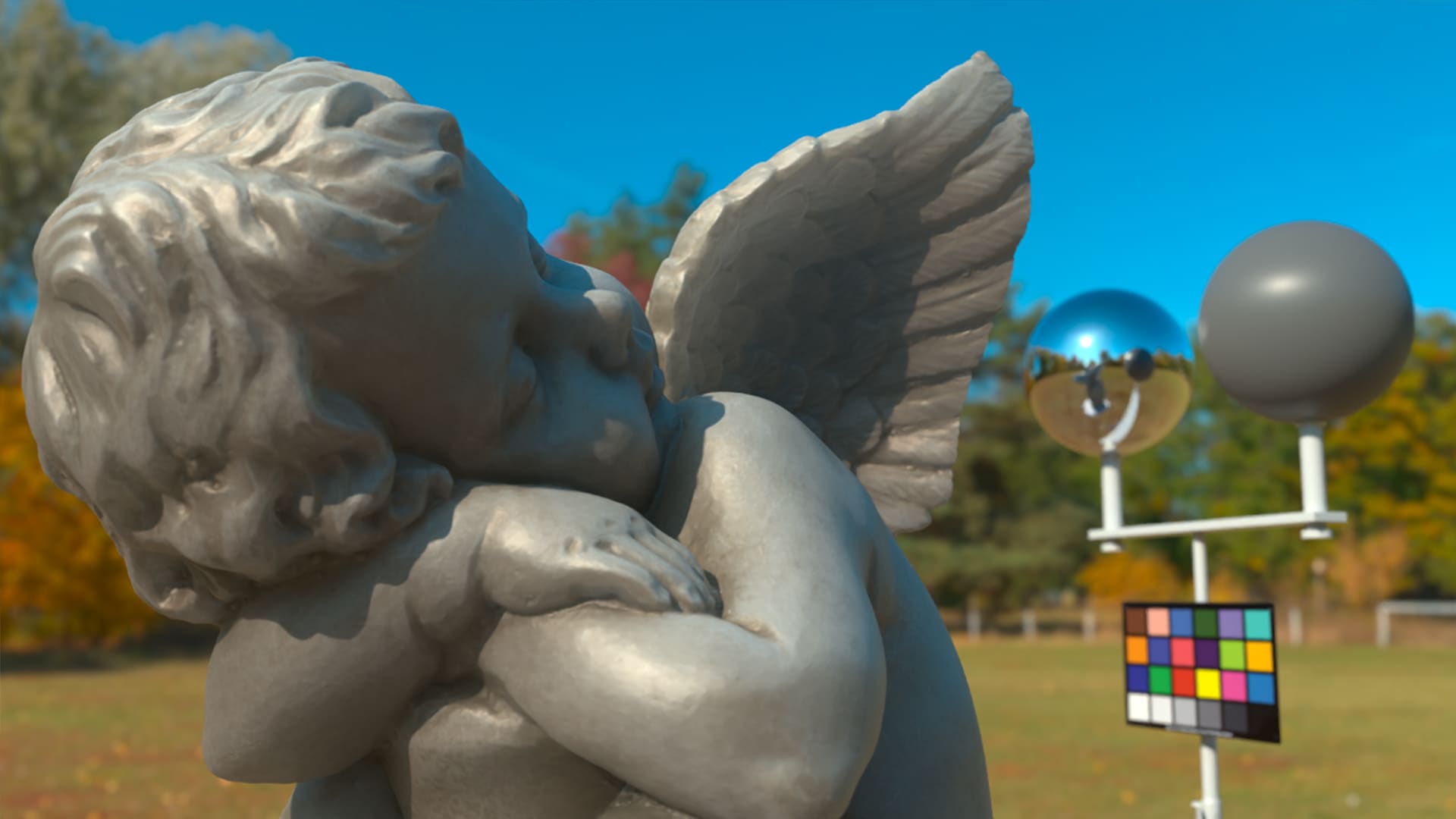
You will learn how to create a look development template scene in Maya/Arnold, render out the scene and get it ready for review. This step is the last step before bringing the asset in a shot context, so it’s important to get it right.
Reviewing textures from Painter or Mari is never very easy, especially without a physically-based render engine like Arnold with its shader components and render settings. This final step approve our assets and our Maya look deve template will get consistent results across the board.
Class Listing
Class 1: Starting off Right
The first class focuses on how to set up Maya properly with color management and scale. We will import all our assets and prepare a Maya template scene to ldev our asset. A discussion of the different lights between Arnold and Maya, adding our texture and shader for our subject Angelo, setting up our first HDRI and finally checking render settings.
Class 2: Nuke OCIO
Now that we have a rendered image, we jump into Nuke and set up our OCIO color management (which is not set up default). We will explain the importance of OCIO workflow. By the end of the class, we will complete the Angleo shader setup and check the Arnold Denoiser in the RenderView window.
Class 3: RenderLayer and Overwrite
A look at GPU denoiser renders in Nuke and how to set up our passes with RenderLayers in Maya. You will see how to create custom overwrite per pass and also adapt our lighting to the HDRI.
Class 4: Shaders and AOVs, Part 1
An exploration of several shader improvements and the addition of some useful AOVs.
Class 5: Shaders and AOVs, Part 2
Finally, we will explore all light groups and split each light per AOV and also add a custom shader on an AOV’sAt the end of the class, we will rebuild some AOVs to render only 1 pass instead of 3 different renders.