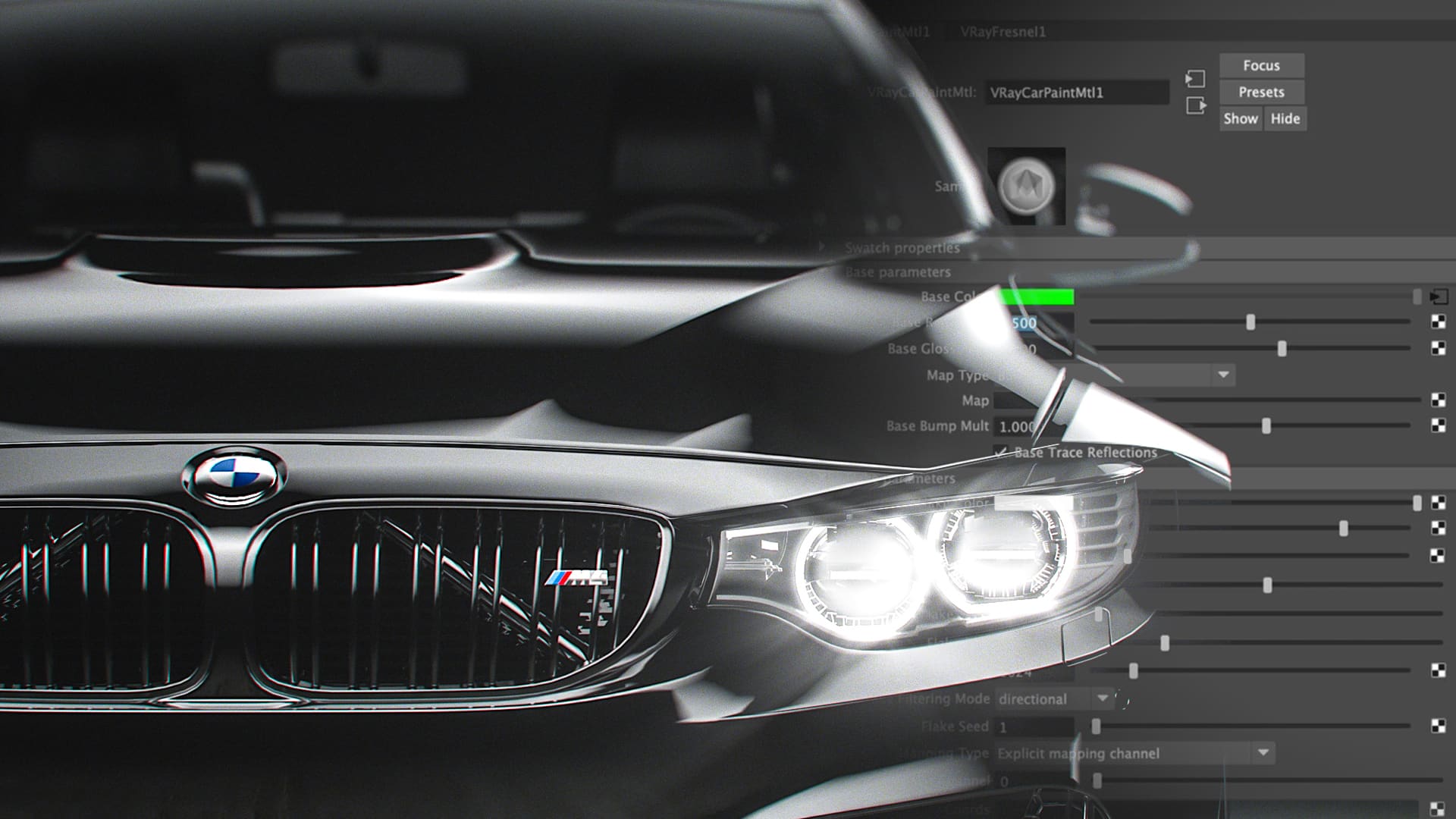
Look Development with V-Ray Next
Taught by Amid Rajabi
- Duration:
- 2 hours 48 minutes
- Software Version:
- V-Ray Next
- Launch Date:
- March 2019
- Course Number:
- VRY203
3D
3D
Rajabi is a freelance Look Development and Compositing artist and instructor, He has been working in the industry for close to 16 years, becoming a Nuke Certified Trainer in 2012 and has been working with Chaos Group as a closed beta tester. He has worked with the team at fxphd and fxguide since 2013 as well as is proud to say he has also taken courses at fxphd over the years.
Class Listing
Class 1: Scene Setup
An overview of the project as well as a consideration of the procedures and how to setup our model to get the best result. Setting up the size and dimension of the car scene, utilizing references of car materiasl and lighting processions.
Class 2: Debug Shading, IBL, HDR
How to setup and use Image Based Lighting, the concept of HDRs, and the new Debug Shading in V-Ray Next.
Class 3: V-Ray Car Paint Material, Part 1
An overview of the Car Paint Material and a deep look at the Base and Coating Parameters.
Class 4: V-Ray Car Paint Material, Part 2
A dive into the Flakes Parameters and how to build up a super realistic car material.
Class 5: Lighting, Part 1
How to create realistic studio conditions for lighting. The basic concepts of lighting are covered, followed by in-depth details on how to create various types of soft boxes you might find on-set.
Class 6: Lighting, Part 2
Setting up the lights for our hero car project for this course, including how to work with Light Lister.
Class 7: Materials
How to build the materials for the various parts of the car as well as how to use to use Quixel for processing and making the ground material.