NUKE Commercials Finishing for Boutiques
Taught by Eduardo Abon
- Duration:
- 0 hours 0 minutes
- Software Version:
- v9
- Launch Date:
- July 2015
- Course Number:
- NUK232
vfx
vfx
The course also covers tool development within Nuke, including creating a configurable crowd system. The final sessions focus on refining shots and wrapping up the sequence, culminating in a project-ready skill set for aspiring compositors.
Class Listing
Class 1
We start an overview of what's to come in the rest of the course, the software we will use and why as well as what our learning goals are. In this class we will start by bringing footage into Nuke Studio using EDLs, XMLs, conform and organizing, tagging and labeling all of our plates for the different VFX shots in the timeline, we will prep our edit for the export.
Class 2
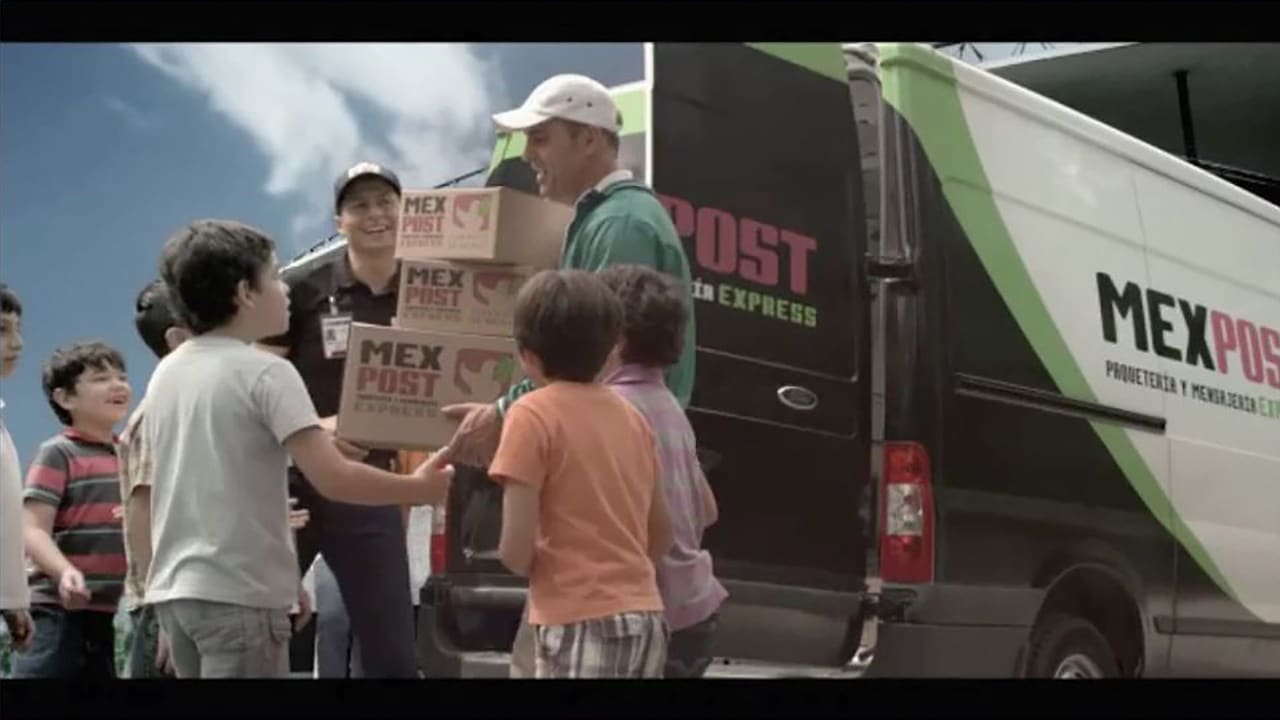
We review any submissions and go through all the packaging shots that needed the logos. Brief for next lesson's assignment: Place iconic mountain in the background, cleanup telephone poles and lines and replace signage on moving truck saving production two travel days and a shoot day for one shot on a storyboard.
Class 3
Begin working on the mountain shot. We start by cleaning up all the unwanted elements and placing and integrating our mountain.
Class 4
We put the finishing touches on our mountain shot like adding a logo to the side of the truck and go over any submissions. Brief for next lesson: Returning to one of the box shots but this time we have to replace the green screen in back of the talent and partially green delivery van with a soccer stadium. Extra credit for removing the telephone number and website that were incorrectly painted on the van.
Class 5
Diving into the green screen and set extension.
Class 6
Austin Meyers takes us through the first of three blue screen shots in the commercial.
Class 7
Finishing off the delivery van shots greenscreen.
Class 8
Mariana Acuña helps composite the first shot in the sequence with generating a 3D scene from a 2D image.
Class 9
Hugo Guerra and Compositor / R&D developer Justin Gros Desir create a Nuke Gizmo for the use of creating a configurable crowd using multiple sources.