Intermediate RealFlow
Taught by Marcelo Cermak
- Duration:
- 7 hours 42 minutes
- Software Version:
- Realflow 2014
- Launch Date:
- January 2015
- Course Number:
- RFL204
3D
3D
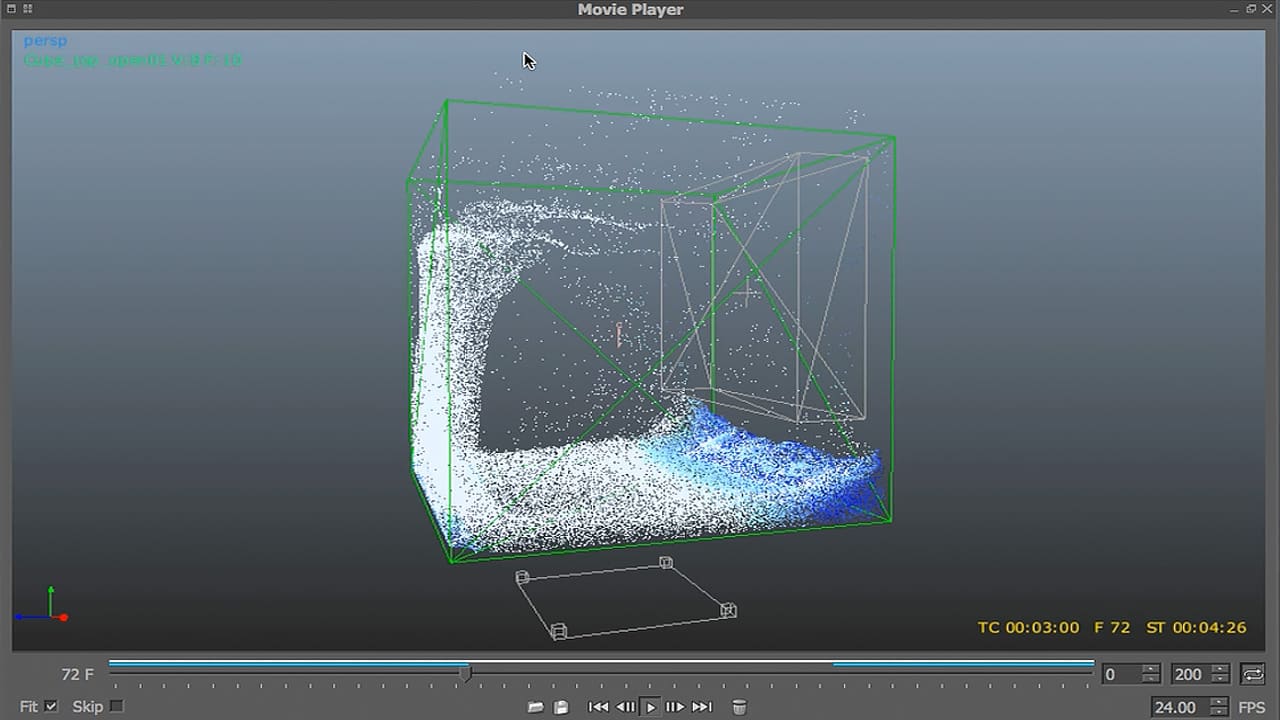
This course, taught by Marcelo Cermak, is targeted to an intermediate level artist who uses RealFlow as a primary tool to create fluid dynamics. The course will focus on five mini projects, allowing artists to became familiar with Realflow 2014 and its amazing new features. The user will be able to create fluids simulations from practical real life examples. This will include a deeper understanding of scene scales and fluid dynamics to help you on your projects.
It is important to note that this course covers production-proven techniques creating realistic simulations for use in other applications. It will not be covering shading, lighting, and rendering to create final images (which is another skillset which deserves a separate course).
Professor Marcel Cermak is based in New York City. In addition to strong artistic skills, he also brings a science background with a Bachelor of Science degree (Gama Filho University, Rio de Janeiro, Brazil) and a post graduate Biomechanics degree (Lenin Institute of Physical Culture, Moscow, Russia). His
RealFlow 2014 will be available on the VPN for members to use in order to learn the software
Class Listing
Class 1
Follow that Splash (Part 1) - Creating a circular splash around a bottle using the different methods of daemons and graphs.
Class 2
Follow that Splash (Part 2) - Making the splash flow back onto the bottle
Class 3
Paint that Town (Part 1) - Creating paint, blood, and honey
Class 4
Paint that Town (Part 2) - Using scripts to create chocolate freezing over a bar
Class 5
Destruction Time (Part 1) - Setting up the building for destruction via different types of Voronoi fracture. This step is critical if you want to achieve the correct results.
Class 6
Destruction Time (Part 2) - Continuation of the fracturing and dynamics emitting particles from the objects.
Class 7
Lost at Sea (Part 1) - Set up a stormy ocean and simulate a mesh in preparation for Maya tiling
Class 8
Lost at Sea (Part 2) - Set up a boat object to create splashes and crest splashes, along with constrains for floating pieces
Class 9
Houdini Escape (Part 1) - Create a box and extrude with graphs fracture and explosion