AIF201: Generative AI for VFX with ComfyUI & InvokeAI
Class 1: Introduction and Setup
We discuss the advantages (and challenges) of working with ComfyUI and InvokeAI and compare the two applications. We then set up a comprehensive environment for Comfy UI that facilitates the installation of complex custom nodes and their dependencies.
Class 2: Essential SD Building Blocks
We build our first generative workflow in ComfyUI, exploring the fundamental components of the Stable diffusion process (Checkpoint models, clips, samplers, latent noise, VAE decoder) and learning the functions of essential controls like CFG, seed and steps.
Class 3: Seamless Textures Tool: Part 1
We start putting together a dedicated workflow that can generate seamlessly tileable textures for 3D. We learn the function of various nodes in InvokeAI and how to use split prompts.
Class 4: Seamless Textures Tool: Part 2
We continue developing our texture generation tool by adding various controlNet nodes and preprocessors, allowing us to use other images as guides. We also look at the unique features of the SDXL checkpoint model.
Class 5: Using CG Elements as Guidance: Part 1
We jump between Maya, Nuke and ComfyUI to create a modern villa environment. We use the beauty, Z depth and normal passes to accurately guide the AI generation toward the desired composition and layout.
Class 6: Using CG Elements as Guidance: Part 2
We continue with the villa project, using Cryptomattes for regional prompting and IP adapters for lighting, style and mood.
Class 7: Generating 3D Assets Part 1
We begin building a comprehensive workflow for generating fully textured 3D models using the HunYuan model and wrapper nodes. We go over installation and dependencies and then build the image-to-mesh and de-lighting sections.
Class 8: Generating 3D Models Part 2
We continue our step-by-step workflow for building with AI, including UV mapping, multi-camera setup, texture projections, unwrapping, and final export of the textured mesh, while exploring tools such as the multi-view renderer and the CV2 Inpaint.
Class 9: Inpainting with InvokeAI
In this class, we step back from node-based workflows and explore InvokeAI’s excellent layer-based inpainting interface, examining different techniques for assisting with matte painting and compositing tasks.
Class 10: Segmentation and Upscaling Techniques
We wrap up the course with a look at segmentation and image-to-language with the Florence model, then examine different techniques and tools for upscaling.
AIF202: Advanced ComfyUI – Generative Video Production for VFX
Class 1: Introduction to Video Generation and System Setup
We introduce video generation workflows in ComfyUI, including how they differ from still image generation. We examine VRAM consumption, memory swapping, and strategies for working beyond local hardware limitations using RunPod and Comfy Cloud. We also break down WAN model classes and naming conventions to establish a solid technical foundation.
Class 2: From Still Images to Video Workflows
We convert a standard checkpoint-based workflow into a basic video diffusion pipeline. This includes building both text-to-video and image-to-video workflows using the IT2V 5B model, while understanding the transition from still to temporal generation.
Class 3: Dual-Model Workflows and Camera Motion Control
We build an effective high–low noise two-model workflow to improve generation stability and quality. We also introduce Wan Camera Control, enabling smooth and controlled cinematic camera motion within generated sequences.
Class 4: Video ControlNet – Scene Setup and Rendering (Part 1)
We begin integrating CG workflows by setting up a scene and camera animation in Maya and rendering the required elements. These renders will be used to guide video generation through ControlNet.
Class 5: Video ControlNet – Camera Transfer (Part 2)
We transfer complex camera motion from CG into generative workflows, using ControlNet to align AI-generated video with precise camera animation created in Maya.
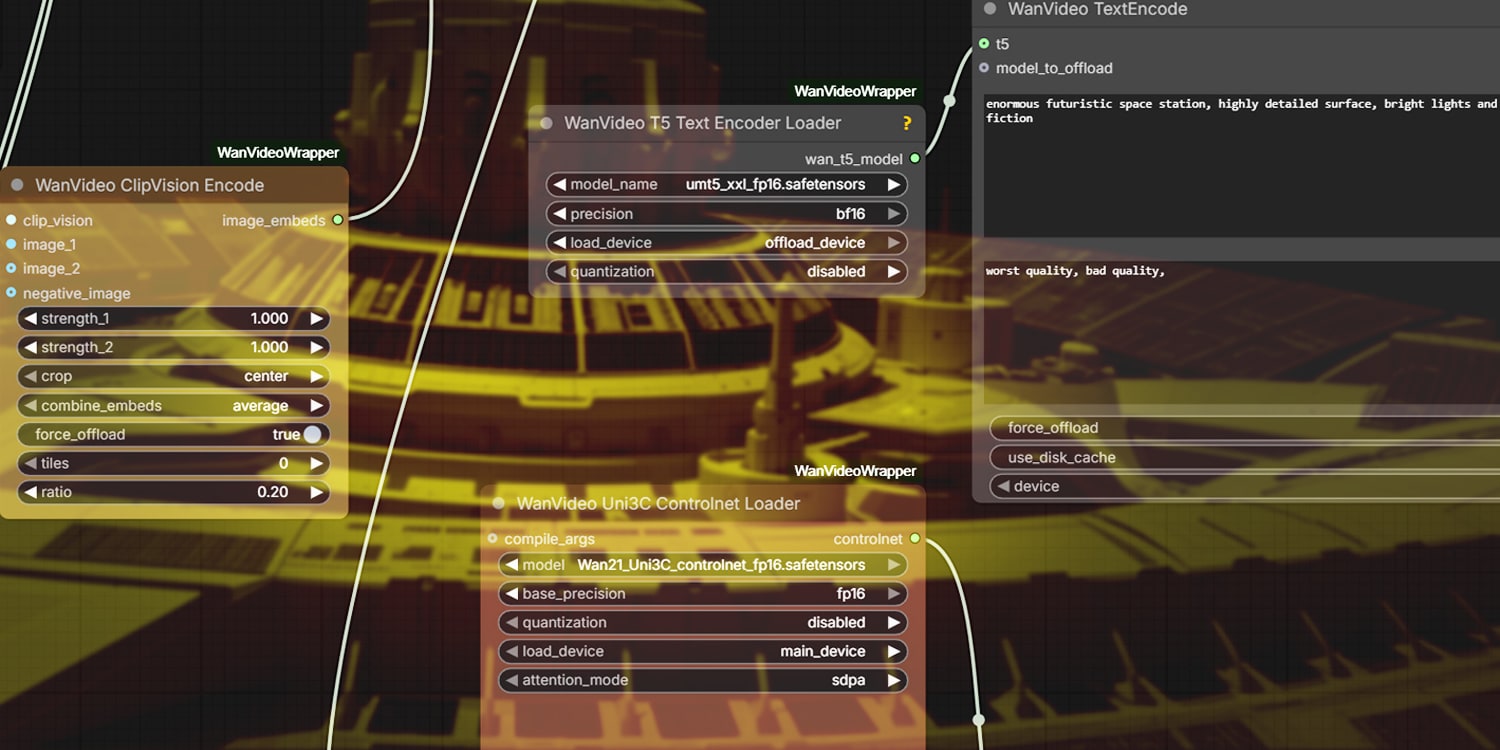
Class 6: Advanced Camera Control with Wan Wrapper and Uni3C
We create Wan Wrapper workflows and explore Uni3C for fully independent camera control, enabling more flexible, production-ready camera systems.
Class 7: Character Animation Transfer with OpenPose
We transfer character animation from Maya into ComfyUI using OpenPose, enabling the integration of animated performances into generative video outputs.
Class 8: Advanced 2D-to-3D Camera Motion Techniques
We develop advanced camera workflows using TimeToMove and Wan Wrapper, enabling more complex 2D-to-3D camera motion and improved spatial consistency.
Class 9: Video Enhancement and Finishing Techniques
We explore TimeToMove animation tools alongside techniques for effective video upscaling, temporal enhancement, and motion blur. We also integrate ComfyUI outputs into Nuke for final enhancement and finishing.